Best Apps for ADHD Cognitive Offloading 2026
Explore top AI-powered apps for ADHD that offload memory, manage time, and boost focus—features, pricing, and best use cases in 2026.
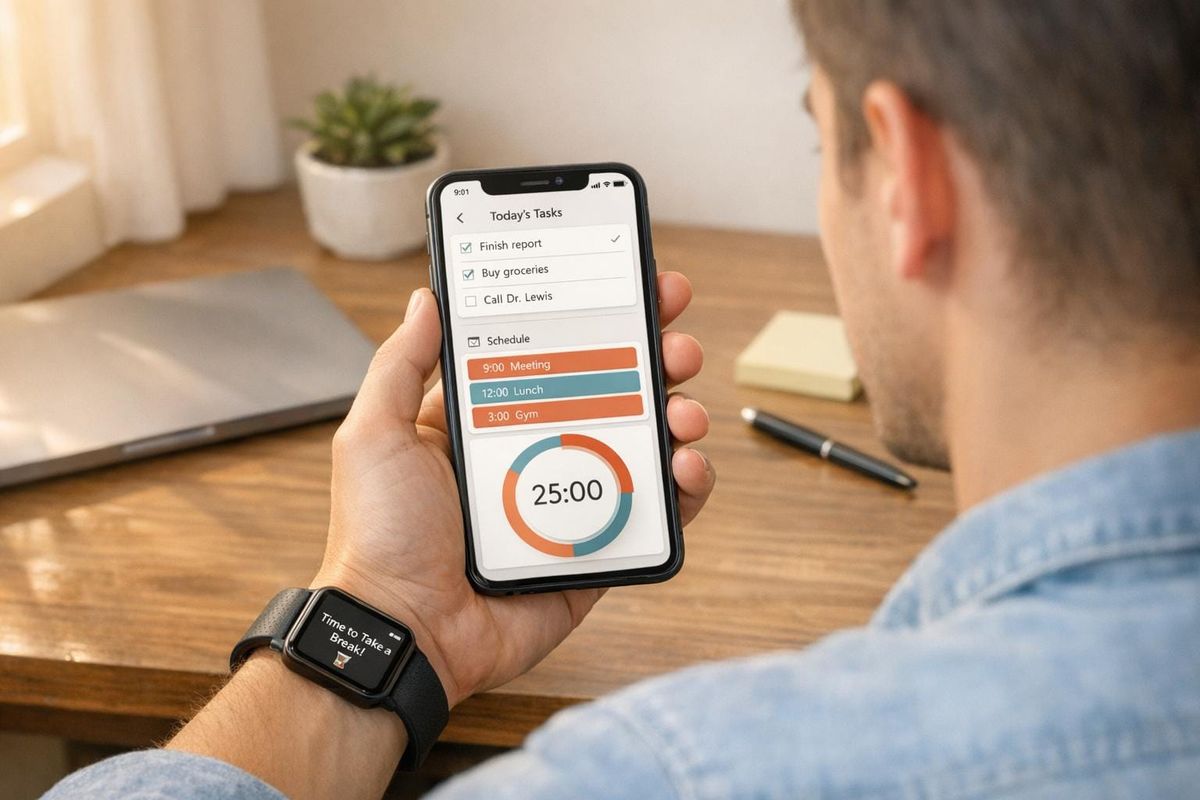
ADHD can make managing tasks, time, and focus overwhelming. Thankfully, apps designed for cognitive offloading can help by acting as external supports for memory, organization, and planning. In 2026, AI-powered tools have become more intuitive, offering features like task breakdowns, visual timelines, and focus-enhancing audio. Here’s a quick look at some of the best apps to simplify life with ADHD:
- Goblin Tools: Breaks tasks into smaller steps with AI-powered checklists (free or ~$2).
- Todoist: Converts ideas into scheduled tasks using natural language input (free or $4–$5/month).
- Tiimo: Visualizes time with color-coded schedules to combat time blindness (~$6/month).
- Brain.fm: Provides focus-boosting audio tracks designed for ADHD brains (~$9.99/month).
- Focusmate: Offers virtual body doubling for task accountability (free or ~$7/month).
- Notion: Combines notes, tasks, and projects into one workspace (free or paid plans).
- Clockwise: Uses AI to optimize your schedule and block focus time (free or paid plans).
- Headspace: Helps with emotional regulation through guided meditations (~$69.99/year).
These apps address ADHD challenges like task paralysis, time blindness, and emotional regulation. Start with one or two based on your needs and allow a few weeks to integrate them into your routine. Below is a comparison table for a quick overview of their features and pricing.
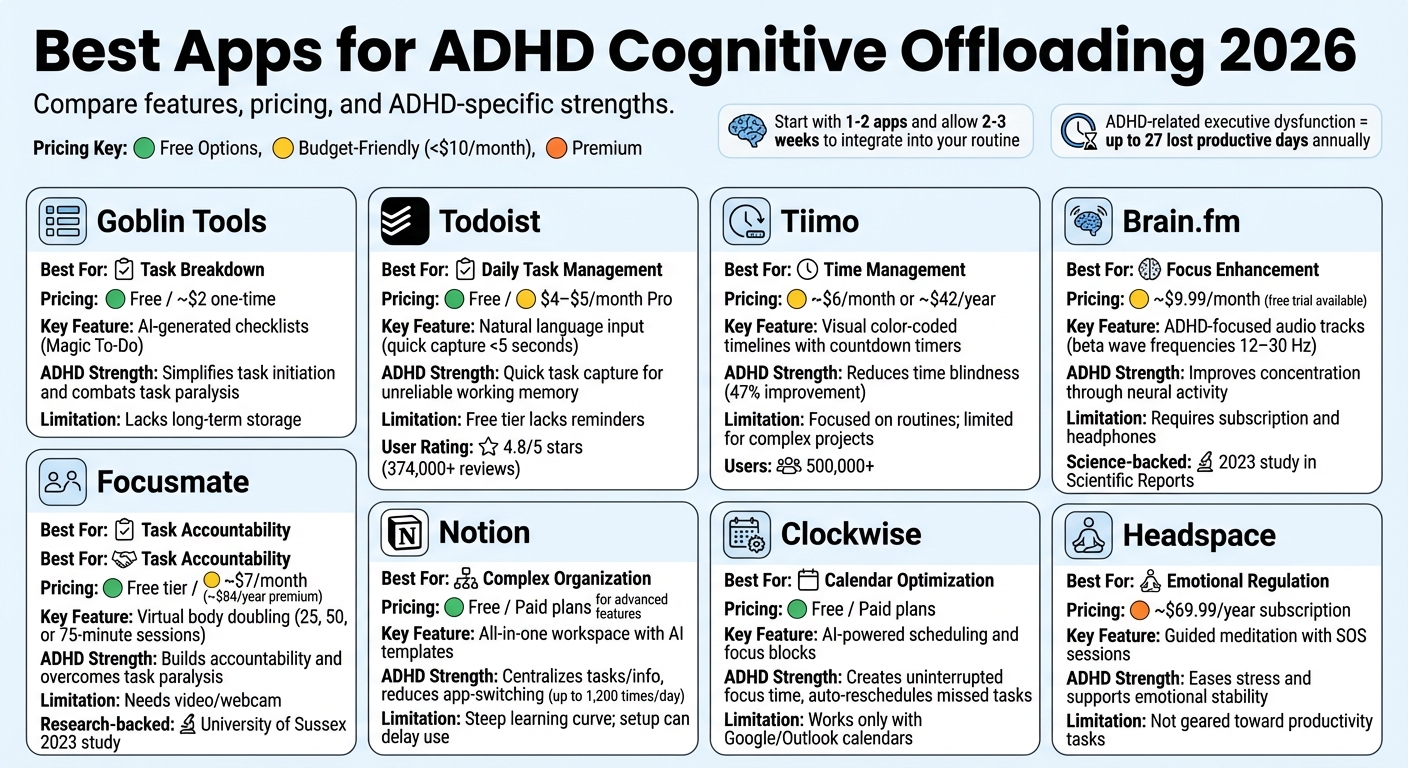
Best ADHD Apps 2026: Features, Pricing and Use Cases Comparison
My 4 Favorite Apps for Productivity as an ADHDer, Mom, & Business Owner | The Neurocuriosity Club
Quick Comparison
| App Name | Best Use Case | Pricing (USD) | Key Feature | ADHD Focus |
|---|---|---|---|---|
| Goblin Tools | Task breakdown | Free / ~$2 | AI-generated checklists | Simplifies task starts |
| Todoist | Daily task management | Free / $4–$5/month | Natural language input | Quick task capture |
| Tiimo | Time management | ~$6/month | Visual timelines | Reduces time blindness |
| Brain.fm | Focus enhancement | ~$9.99/month | ADHD-focused audio tracks | Improves concentration |
| Focusmate | Task accountability | Free / ~$7/month | Virtual body doubling | Builds accountability |
| Notion | Complex organization | Free / Paid plans | All-in-one workspace | Centralizes tasks/info |
| Clockwise | Calendar optimization | Free / Paid plans | AI-powered scheduling | Creates focus blocks |
| Headspace | Emotional regulation | ~$69.99/year | Guided meditation | Eases stress |
Each tool brings unique solutions to ADHD challenges. Start small, and experiment to find what works best for you.
Best Apps for ADHD Cognitive Offloading in 2026
The apps listed here tackle common ADHD challenges like task paralysis, time blindness, and difficulty maintaining focus. Each one is designed to offload executive tasks, making daily life more manageable. With over 50 million professionals already relying on task management tools, these apps have been fine-tuned to include features that cater to neurodivergent needs. Here's a closer look at how each app helps reduce mental strain and improve focus.
Goblin Tools: Break Down Tasks into Steps
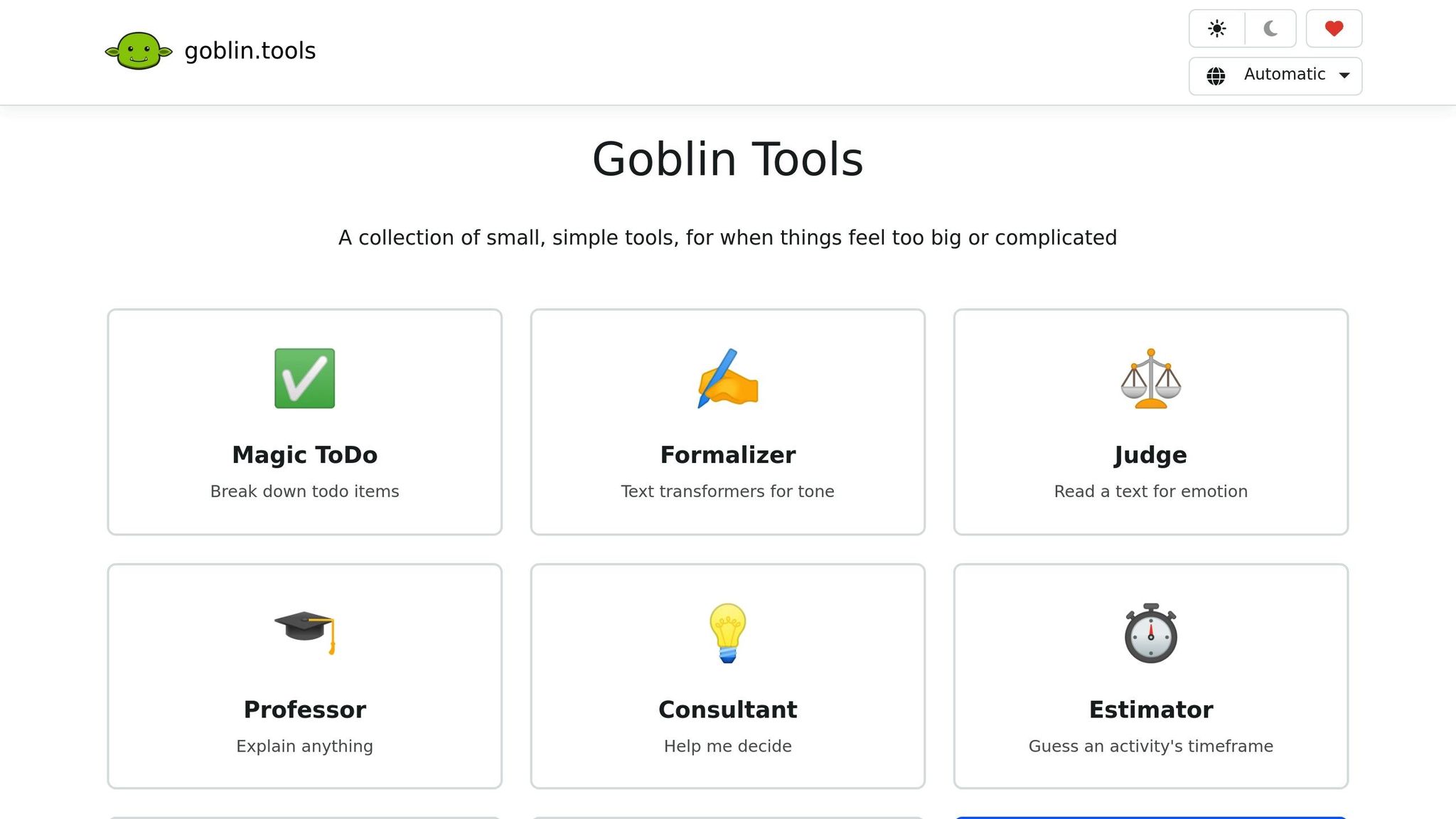
Goblin Tools uses AI to simplify complex projects by breaking them into smaller, actionable steps. Its standout feature, Magic To-Do, takes a general task - like "prepare presentation" - and turns it into a detailed checklist. For example, it might suggest steps like opening your slides, outlining key points, gathering data, and rehearsing. It even estimates the time and effort required for each step, addressing common ADHD struggles like time blindness and difficulty starting tasks. You can access the web version for free, while the mobile app is available for a one-time fee of $1–$2.
Todoist: Manage Daily Tasks
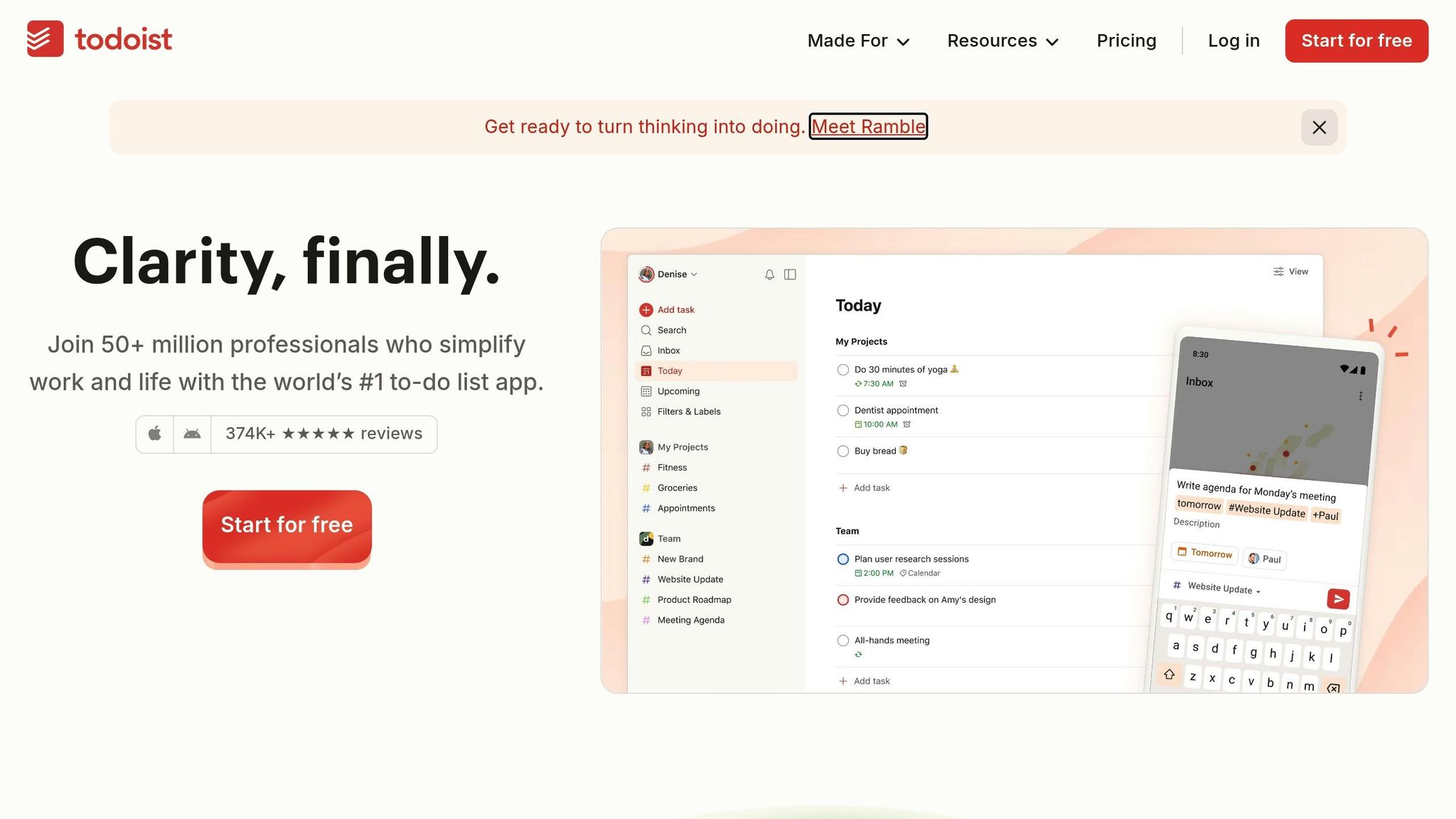
Todoist acts as an external memory by capturing fleeting thoughts and turning them into scheduled tasks. Its natural language input makes this process seamless - type something like "meeting with Sarah tomorrow at 3pm", and it automatically creates the task. This feature is especially helpful when working memory feels unreliable. With over 374,000 five-star reviews and a 4.8/5 rating across platforms, it’s a trusted tool for task management. The free version supports up to five projects, while the Pro plan, priced at $4–$5 per month, adds features like reminders and subtasks.
Tiimo: Visual Schedules for Time Blindness
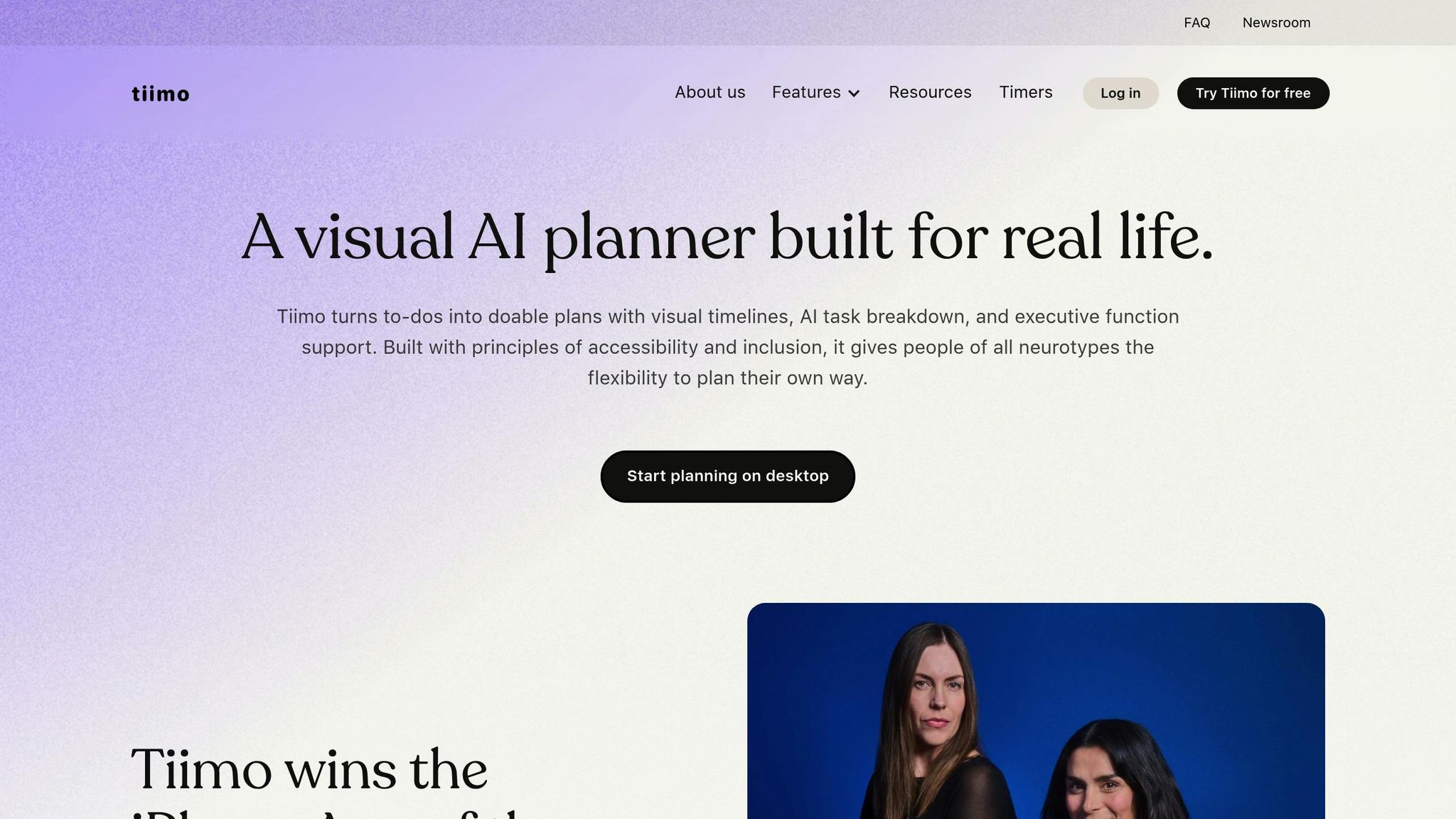
Tiimo offers a fresh approach to scheduling by transforming to-do lists into visual timelines. Instead of just text reminders, it uses color-coded blocks and countdown timers, making time feel more tangible. For example, a 2:00 PM meeting appears as a block on a continuous timeline, with a countdown showing how much time remains. This visual approach helps users stay on track and reduces the mental effort of interpreting standard schedules. Over 500,000 people use Tiimo to manage routines and combat time blindness. The free version includes basic features, while the Pro version, at about $6 per month or $42 per year, unlocks unlimited routines and customization options.
Brain.fm: Focus Music for Concentration
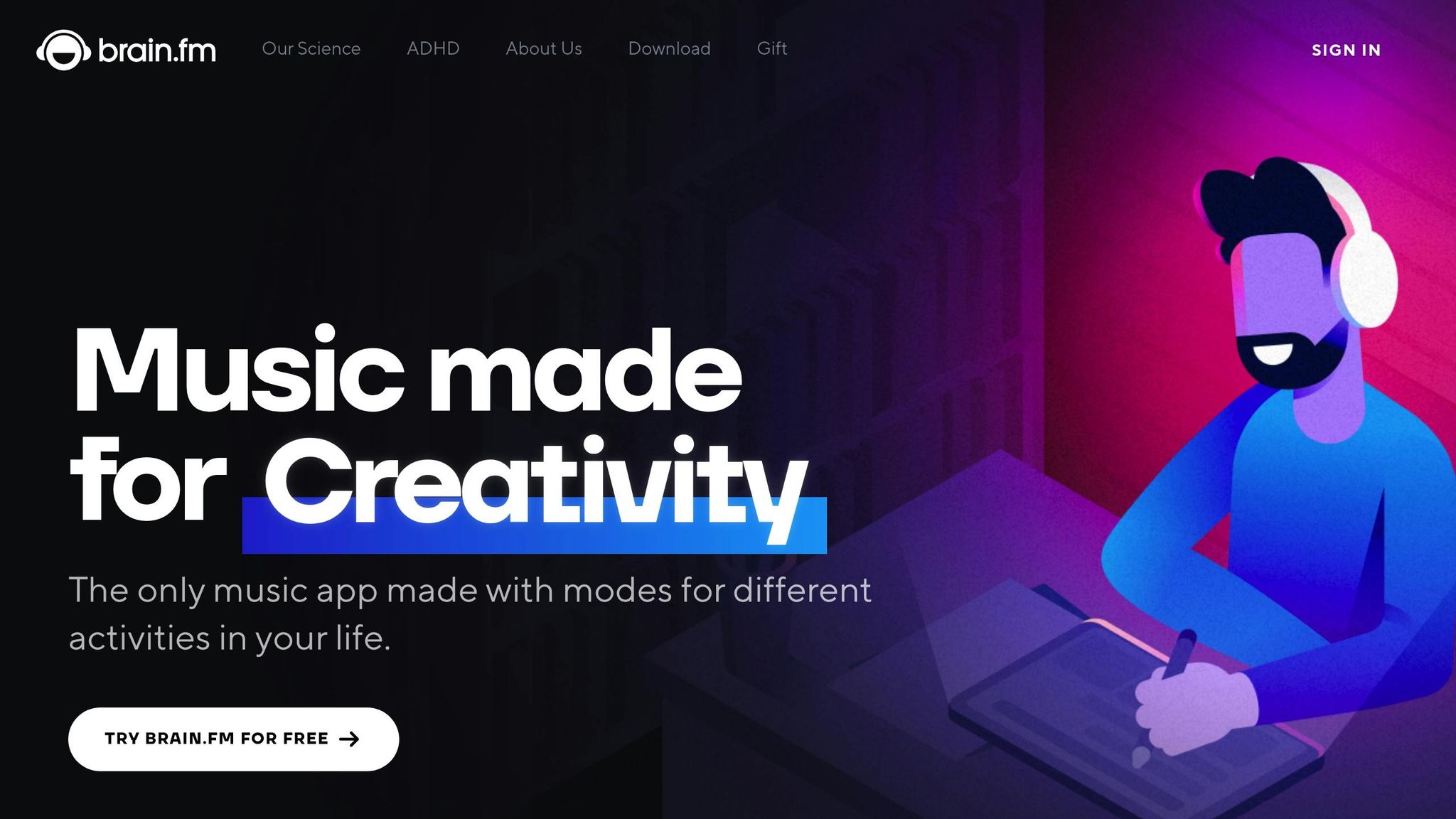
Brain.fm offers audio tracks scientifically designed to enhance focus by guiding your brain into beta wave frequencies (12–30 Hz), which are linked to sustained attention. A 2023 study published in Scientific Reports confirmed that this type of auditory stimulation improves focus in people with ADHD by influencing their brain's neural activity. Brain.fm emphasizes that ADHD-related focus issues stem from neurological factors, not motivation. The app provides free trials for new users, with subscriptions required for full access. Sessions typically range from 30 to 90 minutes, making it a flexible tool for focus.
Focusmate: Virtual Body Doubling
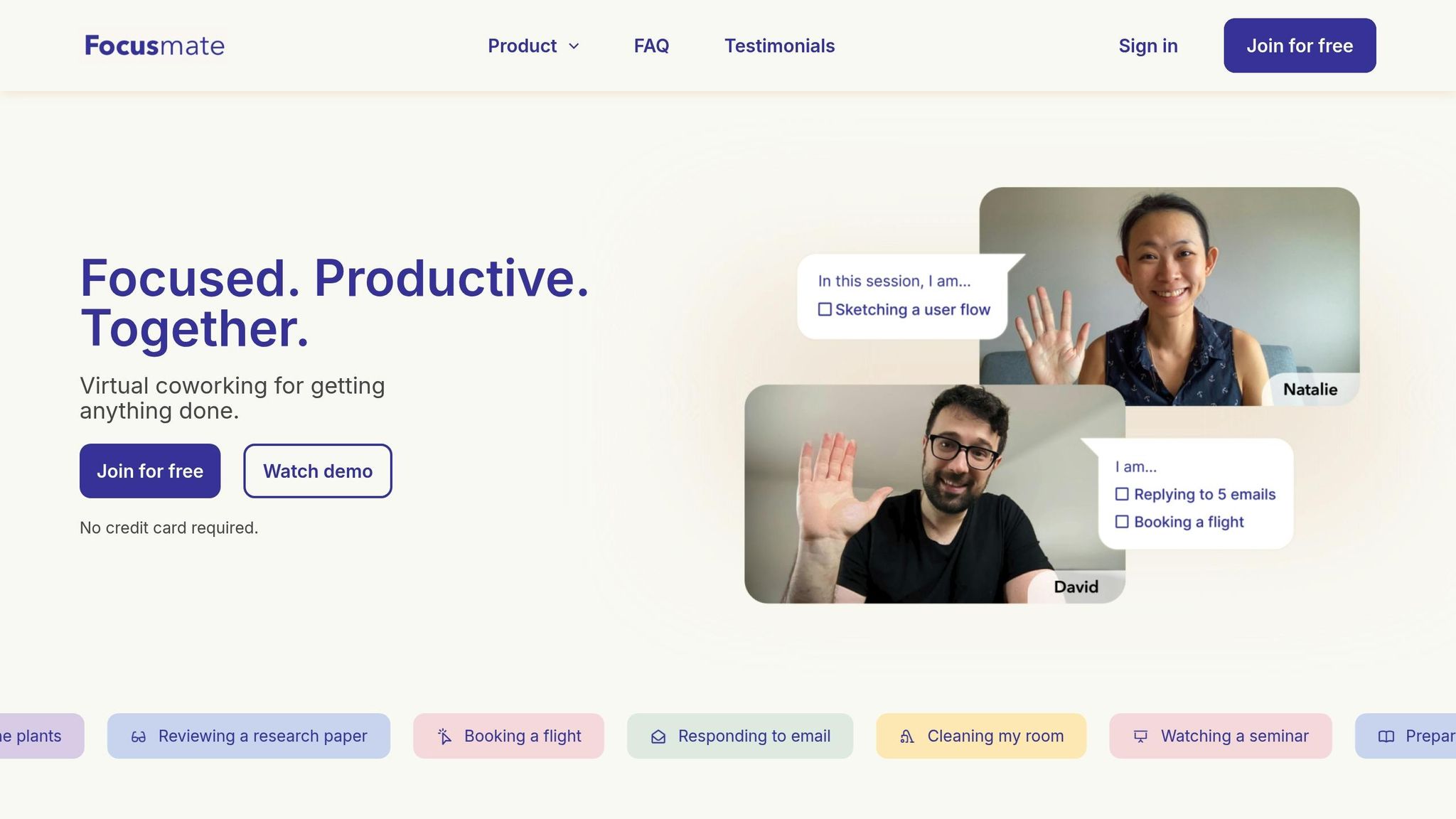
Focusmate pairs users for silent, timed work sessions (25, 50, or 75 minutes) via video, leveraging the concept of body doubling. This social accountability method helps overcome task paralysis. Research from the University of Sussex in 2023 found that body doubling significantly reduces procrastination in adults with ADHD. Focusmate offers a free tier with a limited number of weekly sessions, alongside paid plans for unlimited access. It’s particularly useful for tackling tasks that feel overwhelming to start.
Apps for Complex Organization Needs
Managing complex projects and maintaining emotional balance can feel overwhelming, especially for ADHD professionals handling multiple responsibilities. Basic task managers often don't cut it for these challenges. The apps below go beyond simple task tracking, offering tools that centralize information, automate scheduling, and provide emotional support to help sustain productivity throughout the day.
Notion: Your All-in-One Workspace
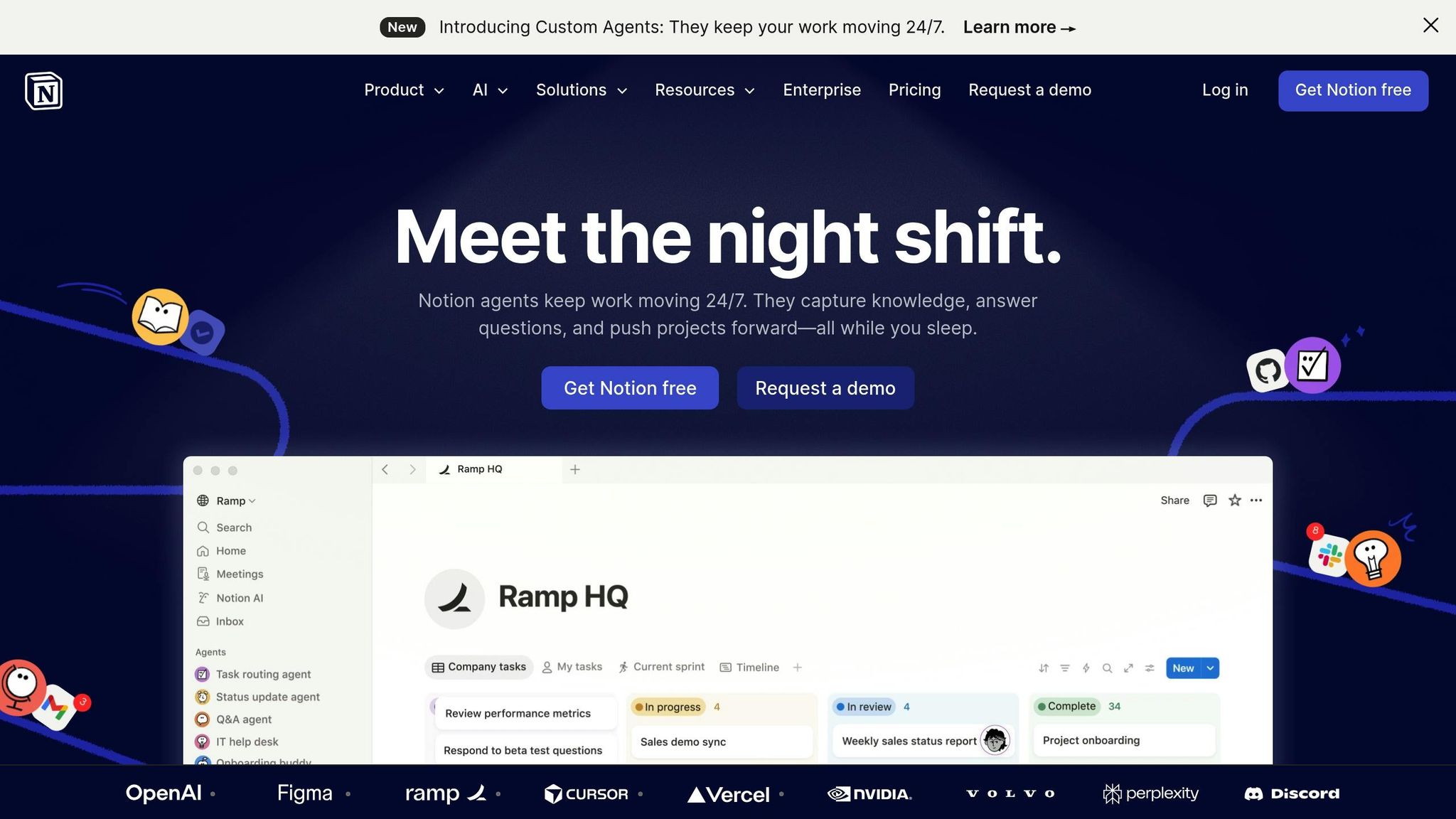
Notion serves as an "external brain", bringing together notes, tasks, and projects into a single, streamlined workspace. This reduces the mental strain caused by constant app-switching - something that can happen up to 1,200 times a day. Notion's built-in AI simplifies getting started by offering one-click task creation and ADHD-specific templates like "Focus Sprint Planners" and "Sensory Reset Logs." It can even summarize meeting transcripts, pulling out decisions, action items, and deadlines, and linking them directly to relevant projects. Plus, its Calendar integrates seamlessly with Google Calendar, so deadlines and daily plans stay in sync.
While its high level of customization is a strength, it can also be a hurdle. To avoid setup delays, start with pre-made ADHD-friendly templates. Notion is free for personal use, with paid plans available for advanced features and team collaboration.
Clockwise: Smarter Scheduling with AI
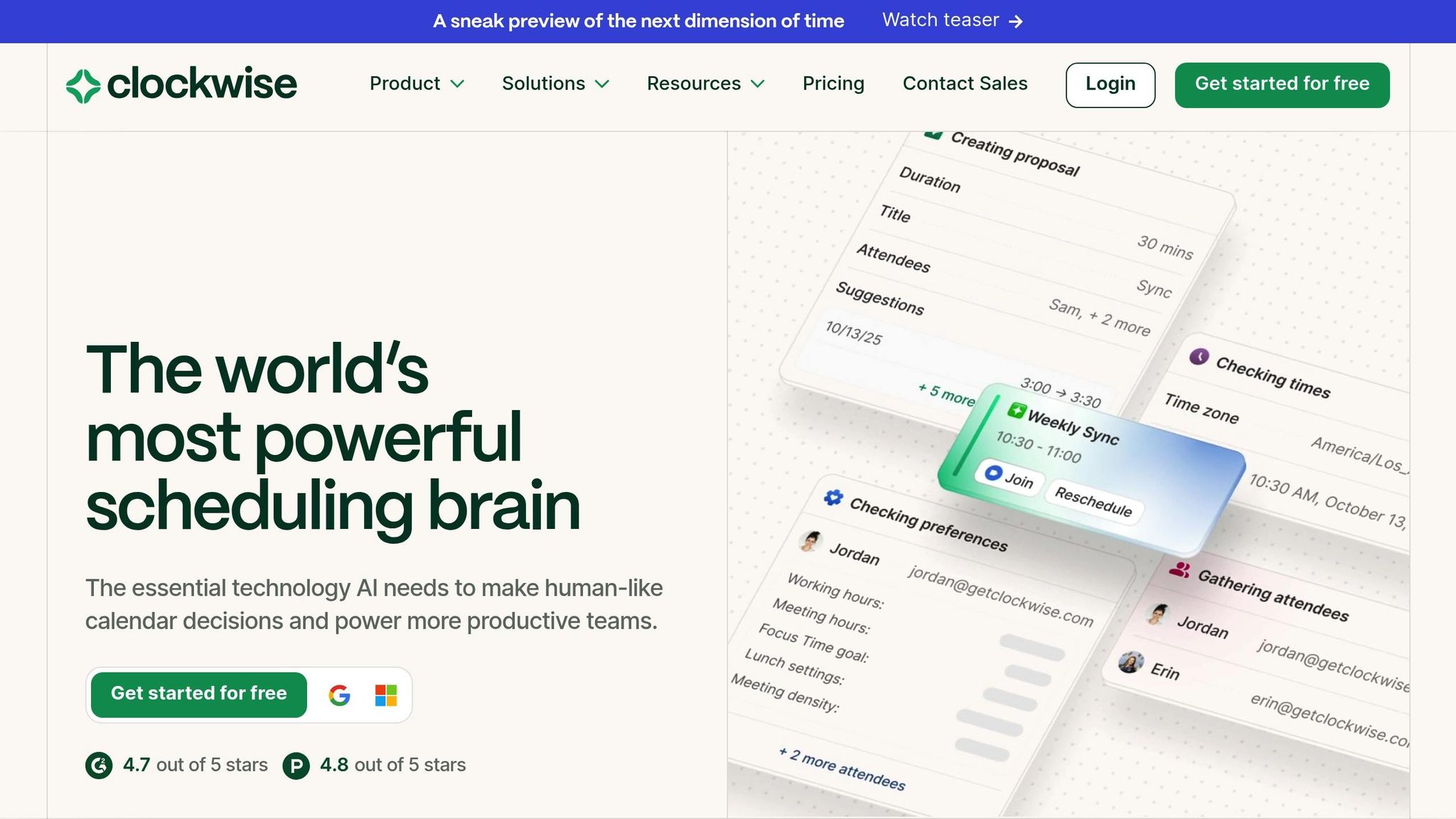
Clockwise takes the stress out of scheduling by using AI to optimize your calendar. It automatically rearranges meetings and clusters them into uninterrupted "Focus Blocks", reducing the impact of context switching - a challenge many ADHD professionals face. It also reschedules missed tasks to the next available time slot, helping you avoid falling behind. A free version is available, while paid options unlock additional tools for team coordination.
Headspace: Emotional Balance on Demand
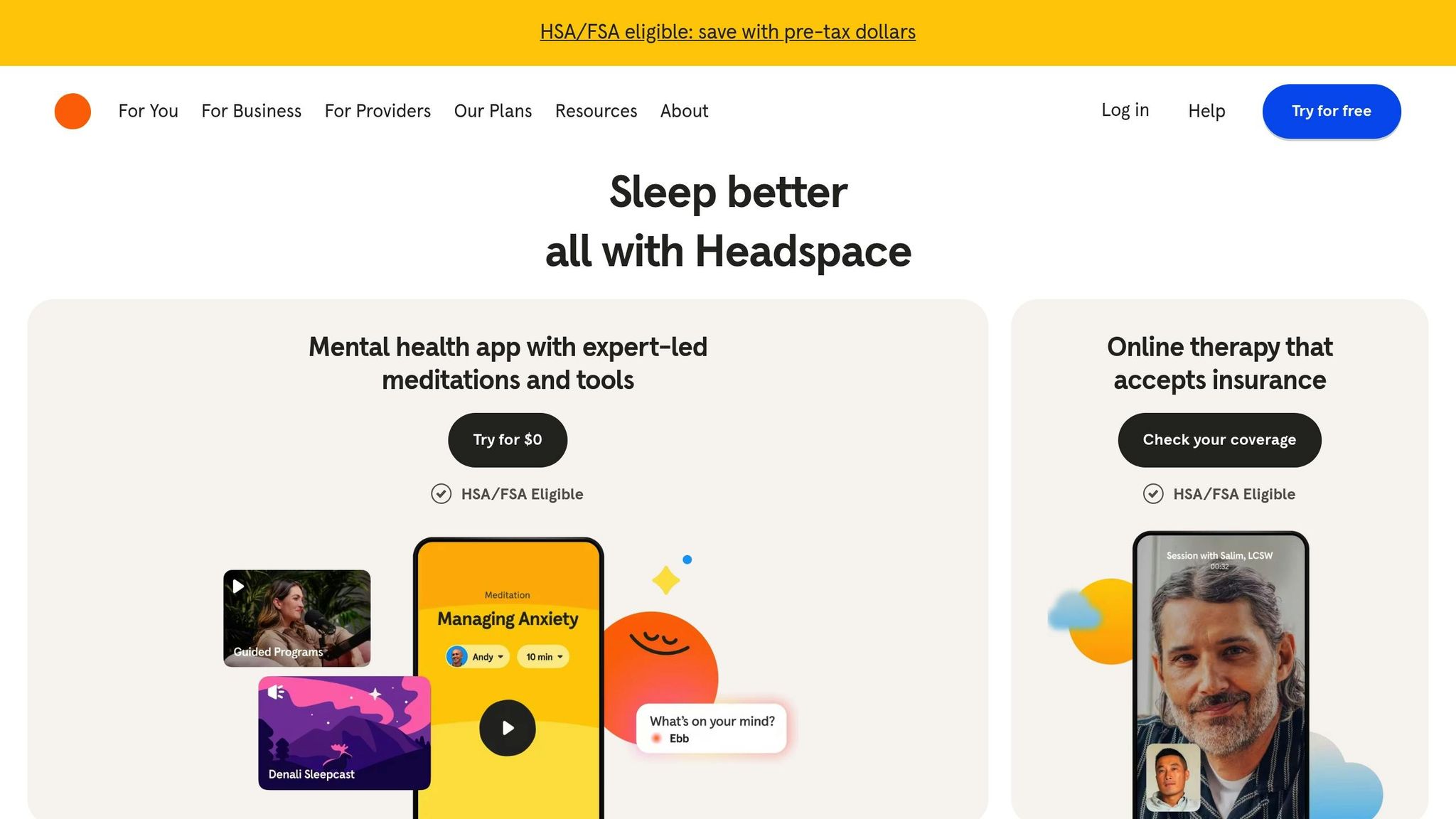
Headspace is designed to help with emotional regulation, offering guided meditation sessions that ease transitions and calm the mind. Its "SOS" sessions provide immediate relief during stressful moments, while "Quick Focus Resets" help users shift gears from work to relaxation. The app's approachable and low-pressure design makes it a great tool for unwinding after a stimulating day. While not a traditional productivity app, Headspace supports the emotional stability necessary for consistent performance. Full access to its meditation and sleep tools requires a subscription.
App Comparison
Finding the right app to tackle ADHD challenges like time blindness, task initiation, or project tracking can make a world of difference. The table below highlights popular apps, their best use cases, and what they bring to the table:
Comparison Table
| App Name | Best Use Case | Pricing (USD) | Key Offloading Feature | ADHD Strength | Limitations |
|---|---|---|---|---|---|
| Goblin Tools | Task Paralysis | Free / ~$2 | AI "Magic ToDo" breakdown | Eases task initiation | Lacks long-term storage |
| Todoist | Daily Task Lists | Free / Pro plan | Natural language quick-add | Quick task capture (<5 seconds) | Free tier lacks reminders |
| Tiimo | Time Blindness | ~$6/mo | Color-coded visual timeline | Makes time visible (47% improvement) | Focused on routines; limited for projects |
| Brain.fm | Sustaining Focus | Subscription | Audio tracks that sync brain waves | Reduces sensory overwhelm | Requires subscription and headphones |
| Focusmate | Accountability | Free / ~$7/mo | Virtual body doubling | Encourages task initiation with social pressure | Needs video/webcam |
| Notion | Complex Organization | Free / Paid plans | Customizable databases | Consolidates information in one workspace | Steep learning curve; setup can delay use |
| Clockwise | Calendar Optimization | Free / Paid plans | AI auto-time blocking | Simplifies scheduling decisions | Works only with Google/Outlook |
| Headspace | Emotional Regulation | Subscription | Guided meditation & SOS sessions | Helps with stress and frustration | Not geared toward productivity tasks |
These apps are designed to offload mental effort, making it easier to focus and tackle decisions. Whether you're looking to streamline your daily tasks or manage emotions, there's likely a tool that fits your needs.
If you're trying out a new app, give it a solid two to three weeks to see if it integrates well into your routine. Free options like Goblin Tools and Todoist are great starting points, while premium tools like Clockwise and Notion can save hours weekly by automating tasks. Adjust based on your budget and priorities - sometimes a small investment can lead to big productivity gains.
Conclusion and Recommendations
The right apps can ease the mental challenges often associated with ADHD. For instance, Goblin Tools simplifies overwhelming tasks by breaking them into smaller, manageable steps. Tiimo provides visual timelines to tackle time blindness, while Focusmate offers virtual body doubling to keep you accountable. Brain.fm uses audio designed to enhance focus, and Headspace delivers techniques to help manage emotional overwhelm.
Start small by adopting one or two apps that address your biggest challenges. If task paralysis is your main hurdle, try pairing Goblin Tools (free or ~$2) with Focusmate (free tier available, premium around $84/year). For time blindness, consider combining Tiimo (approximately $42/year) with Brain.fm (about $9.99/month) to help you stay on track and focused. If emotional regulation is a concern, Headspace can help with grounding strategies.
Allow yourself two to three weeks to adjust to each new tool before adding another. This gradual process helps ensure the apps fit smoothly into your daily routine.
It's also important to review your system regularly. ADHD-related executive dysfunction can result in up to 27 lost productive days annually, so even small tweaks to your setup can lead to noticeable improvements.
Remember, no single app will solve everything. The most effective approach combines tools that complement each other, creating an integrated system. A good mix might include a capture tool for jotting down tasks quickly, a visual schedule for time management, and an accountability tool for starting tasks. Many people find success with a hybrid system that blends digital tools with handwritten notes, as writing can reinforce memory alongside app reminders.
For more strategies on managing ADHD - including tips on energy management, behavioral techniques, and optimizing performance - check out On/Off Genius.
FAQs
Which app should I start with for my biggest ADHD challenge?
Pick an app that zeroes in on the specific ADHD hurdle you're facing. Struggling with time blindness or task paralysis? Apps like Goblin Tools and Todoist can make a big difference. They’re designed to break tasks into bite-sized steps, making them less daunting and more manageable. These tools can be a real game-changer when it comes to tackling executive function difficulties.
What’s the best 2–3 app combo for a simple ADHD system?
In 2026, managing ADHD can be simplified with the right tools. Pairing Brain.fm for improving focus with Todoist for organizing tasks creates a powerful combination. These apps work together to ease mental strain and enhance productivity by tackling common challenges like staying focused and keeping tasks in order.
How do I avoid quitting an ADHD app after the first week?
To make an ADHD app work for you, pick one that simplifies your routine and helps you build habits. Features like quick task entry, automatic sorting, and clear reminders can make a big difference. Stick with it for at least three weeks to establish a rhythm. Apps designed to minimize decision fatigue and match your energy levels can keep you motivated and engaged over time.