Top Tools for ADHD-Friendly Note-Taking
Compare voice-capture apps, simple task managers, full note platforms, and focus tools to build an ADHD-friendly note-taking workflow.
ADHD professionals often struggle with traditional note-taking methods due to rapid thought shifts and limited working memory. This article explores tools designed to address these challenges, helping users organize ideas, manage tasks, and stay focused. Key solutions include:
- Voice-Capture Tools: Apps like Audionotes and Recallify allow quick voice recordings and easy organization of thoughts.
- Simple Task Managers: Apple Reminders and Todoist simplify task entry and management, with features like voice commands and smart lists.
- Full-Featured Platforms: Evernote and Notion provide comprehensive systems for storing and organizing complex information.
- Focus and Time Management Tools: Tiimo offers visual scheduling, while Brain.fm uses audio to enhance concentration.
These tools align with ADHD workflows, reducing mental load and improving productivity. Choose based on your specific needs - whether it's quick idea recording, task management, or maintaining focus during work.
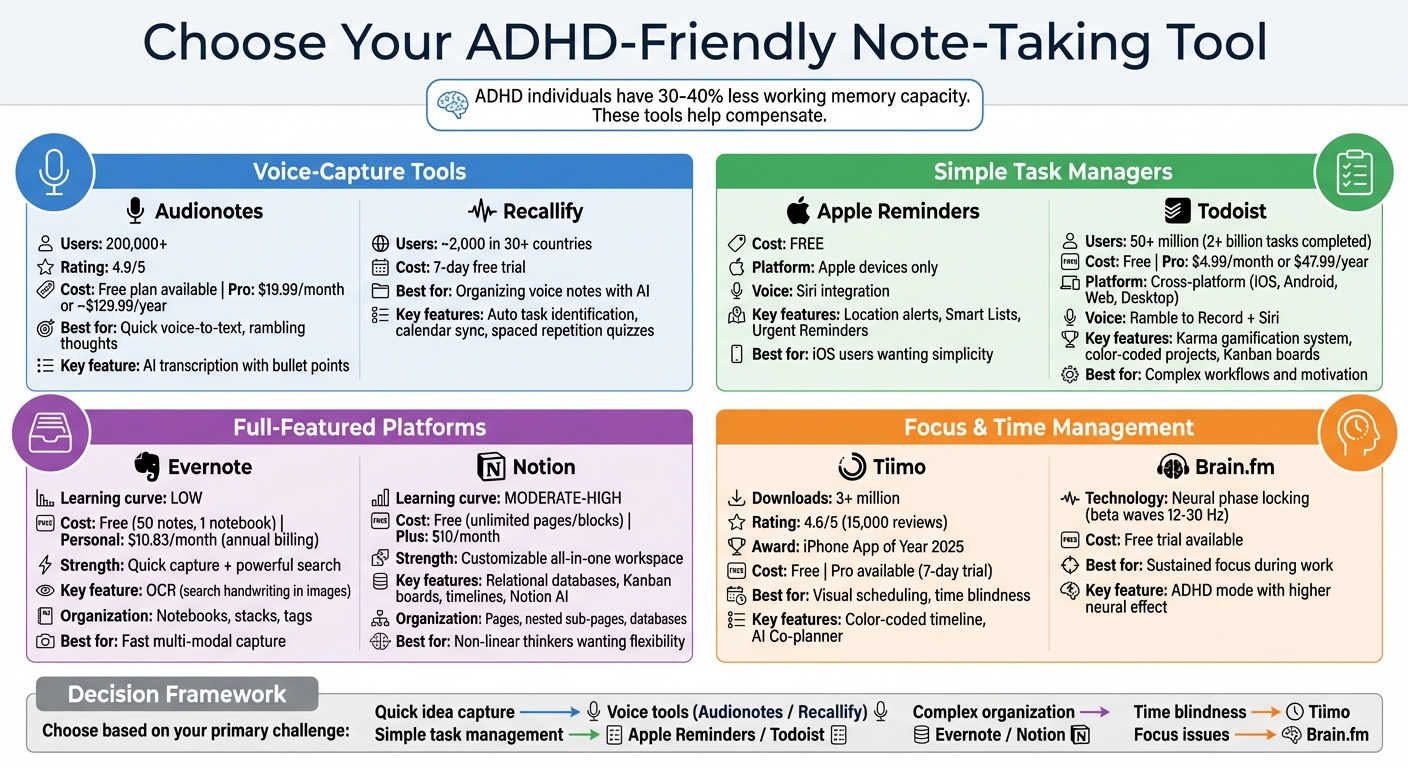
ADHD-Friendly Note-Taking Tools Comparison Chart
Out of Sight, Not Out of Mind: ADHD-Friendly Note-Taking Strategies
Voice-Capture Tools for Quick Thought Recording
For professionals with ADHD, thoughts can disappear as quickly as they come. Voice-capture tools step in as a lifeline, letting you record ideas instantly - no need to type or organize in the moment. Think of these tools as an external brain, ready to capture your thoughts whenever inspiration strikes. Here are two standout options designed with ADHD-friendly workflows in mind.
Audionotes: Voice-to-Text Note-Taking
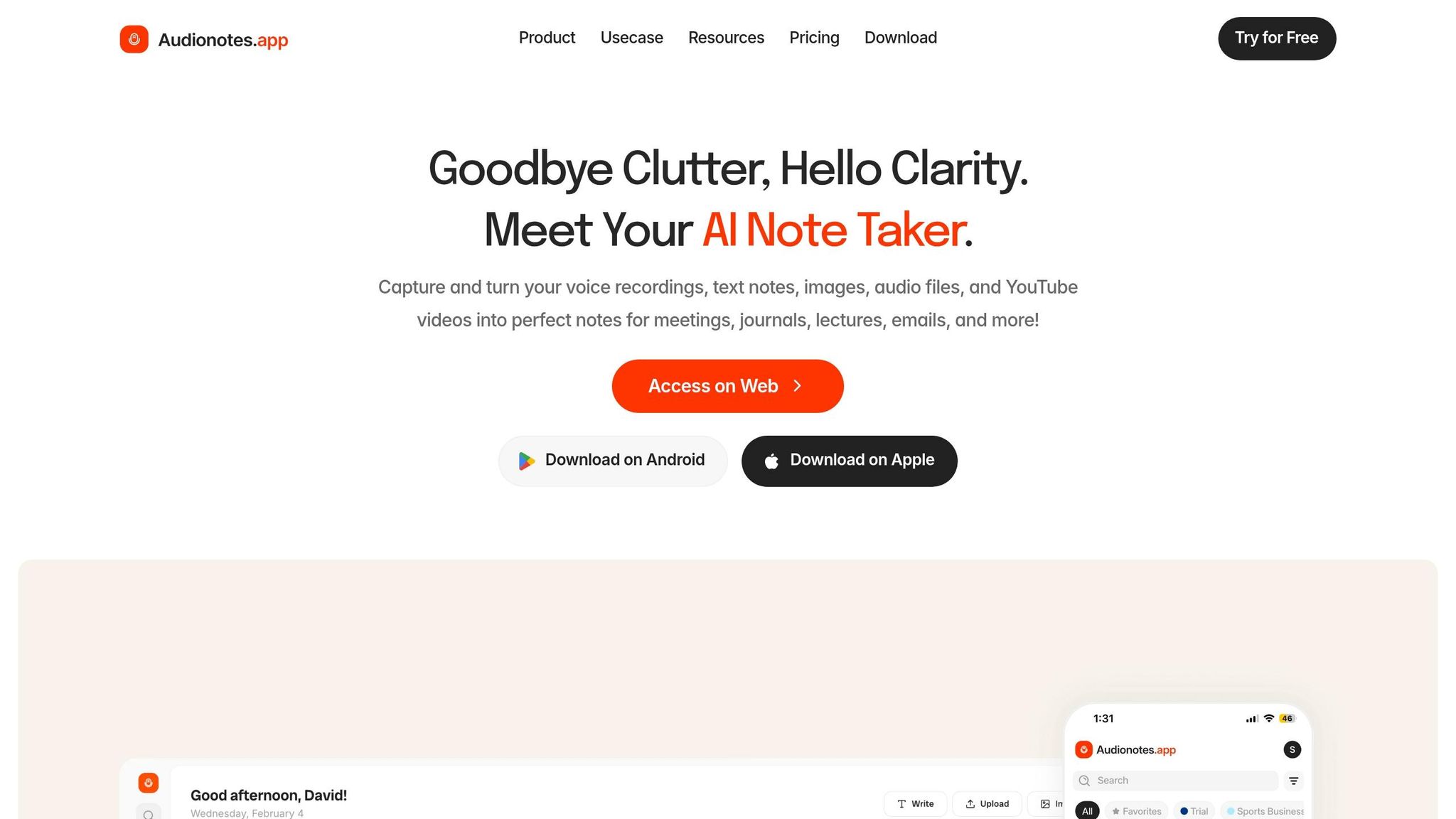
Audionotes transforms unstructured voice recordings into clear bullet points, summaries, and actionable items - even if your thoughts jump from topic to topic. With over 200,000 users and a stellar 4.9 rating, this app’s AI excels at handling rambling monologues and free-form brain dumps. Adam Davidson shared, "It is just so quick and easy to ramble into my phone and then get a version of my ideas that is clear and usable immediately".
Key features include a chat function for natural language queries and WhatsApp bot integration for seamless note capture. Audionotes offers a free plan with limited minutes, while the Pro plan costs $19.99/month (or about $129.99/year). Its flexibility and speed make it a great fit for ADHD professionals looking to capture ideas on the fly.
Recallify: Organize and Retrieve Voice Notes
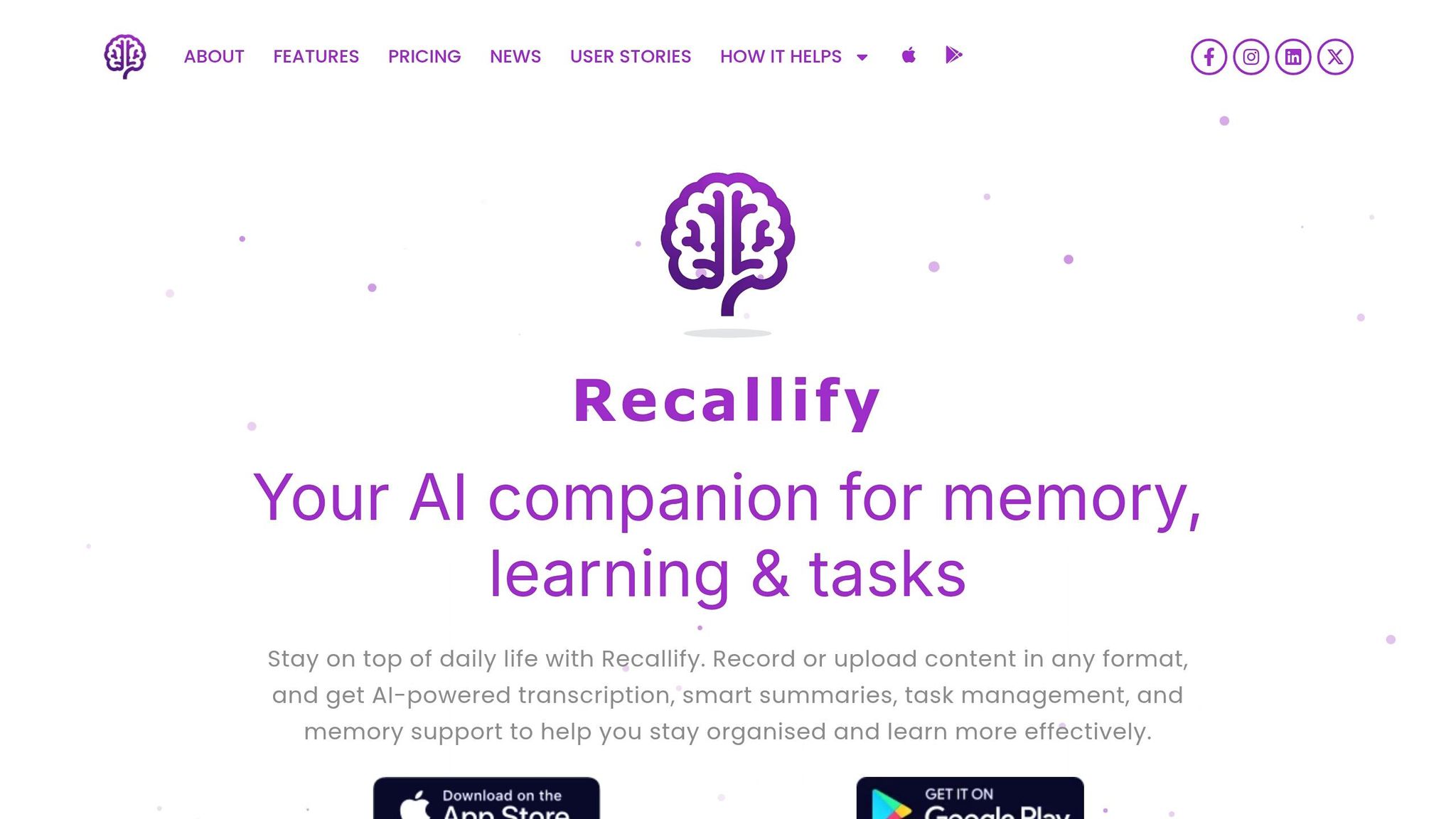
While Audionotes focuses on simplifying transcription, Recallify takes it a step further by organizing your thoughts. Acting as an AI-powered assistant, it automatically identifies tasks, assigns priorities, syncs with your calendar, and even uses spaced repetition through quizzes to help you retain important details.
Developed with input from a clinical neuropsychologist, Recallify supports around 2,000 users in over 30 countries and is part of an NIHR-funded feasibility study for brain injury self-management. Users have praised its ability to extract key details during meetings and enhance memory retention with quizzes. You can try Recallify with a 7-day free trial offering full access.
Both tools cater to the ADHD need for quick, adaptable thought capture, each offering unique features to suit different workflows.
Simple Task Managers for Quick Note Capture
Simple task managers are great for capturing ideas on the fly without interrupting your workflow. For professionals with ADHD, these tools strike a balance between being easy to use and highly functional, making it simple to jot down tasks or ideas with minimal effort.
Apps like Apple Reminders and Todoist shine because they can interpret natural language commands. For instance, typing "Submit report every Friday at 4pm" automatically creates a structured task with the correct details. This feature eliminates the need to manually input dates, times, or categories, which can often feel like a chore. While voice-capture tools are excellent for recording ideas quickly, these task managers streamline the process further by keeping things simple.
Apple Reminders: A Built-In Option for iOS Users
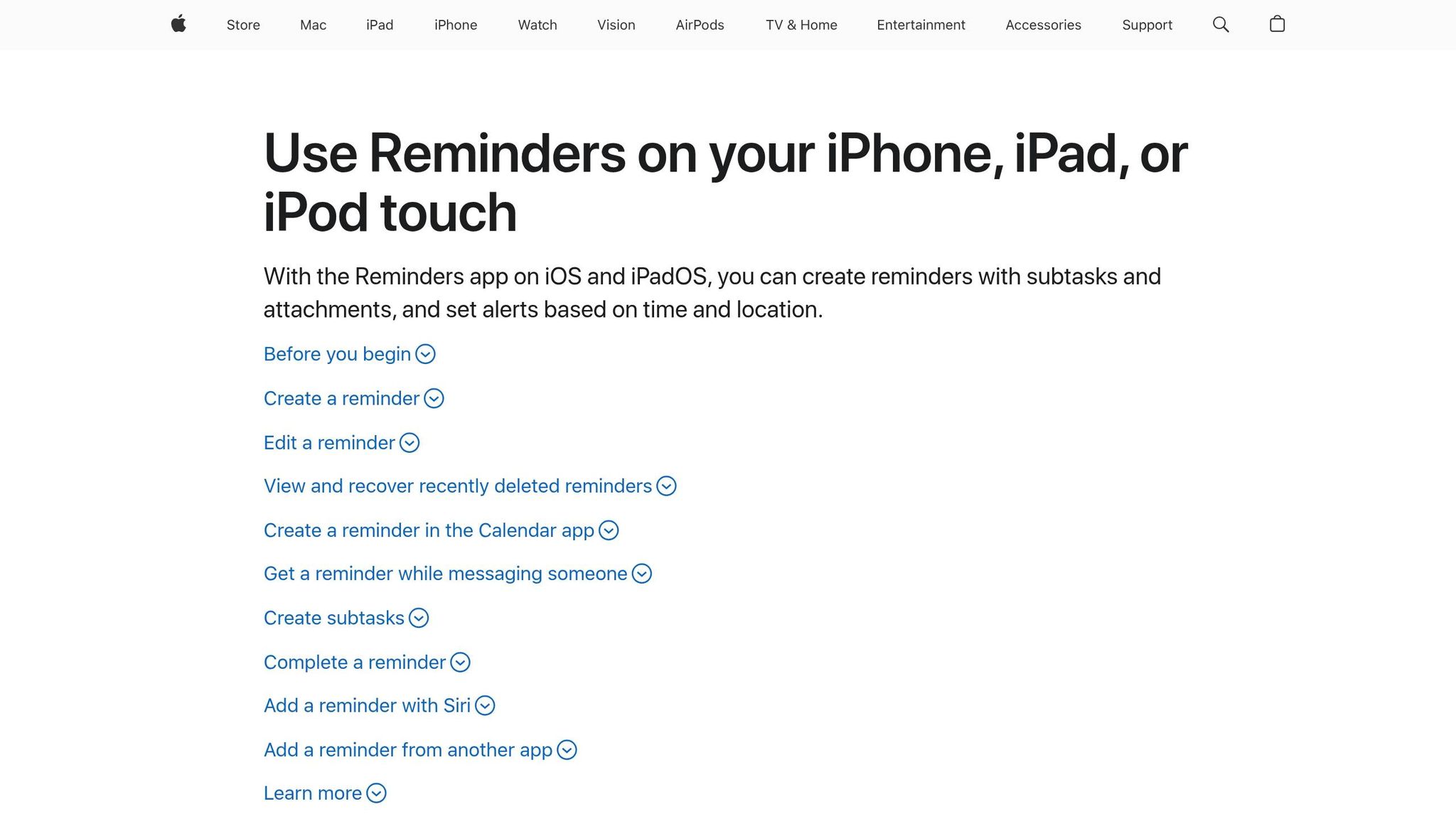
If you're already using Apple devices, Apple Reminders is a no-brainer. Since it’s pre-installed on iPhones, iPads, and Macs, there’s no setup required, and its seamless integration into the Apple ecosystem makes it incredibly convenient. One standout feature is Siri integration, which lets you set reminders hands-free. Whether you're driving or in the middle of a meeting, you can quickly tell Siri to remind you about something without even touching your device.
The app also offers location-based alerts, like "Remind me to grab milk when I leave the office", which trigger based on your GPS location. For ADHD users, this can be a lifesaver when juggling multiple tasks. Additionally, Smart Lists automatically organize tasks by tags, due dates, or priorities. A newer feature, Urgent Reminders, bypasses Do Not Disturb and Focus modes to ensure critical alarms get through - even when your phone is silenced. Best of all, Apple Reminders is completely free and syncs across all Apple devices effortlessly.
Todoist: A Flexible Tool for Complex Workflows
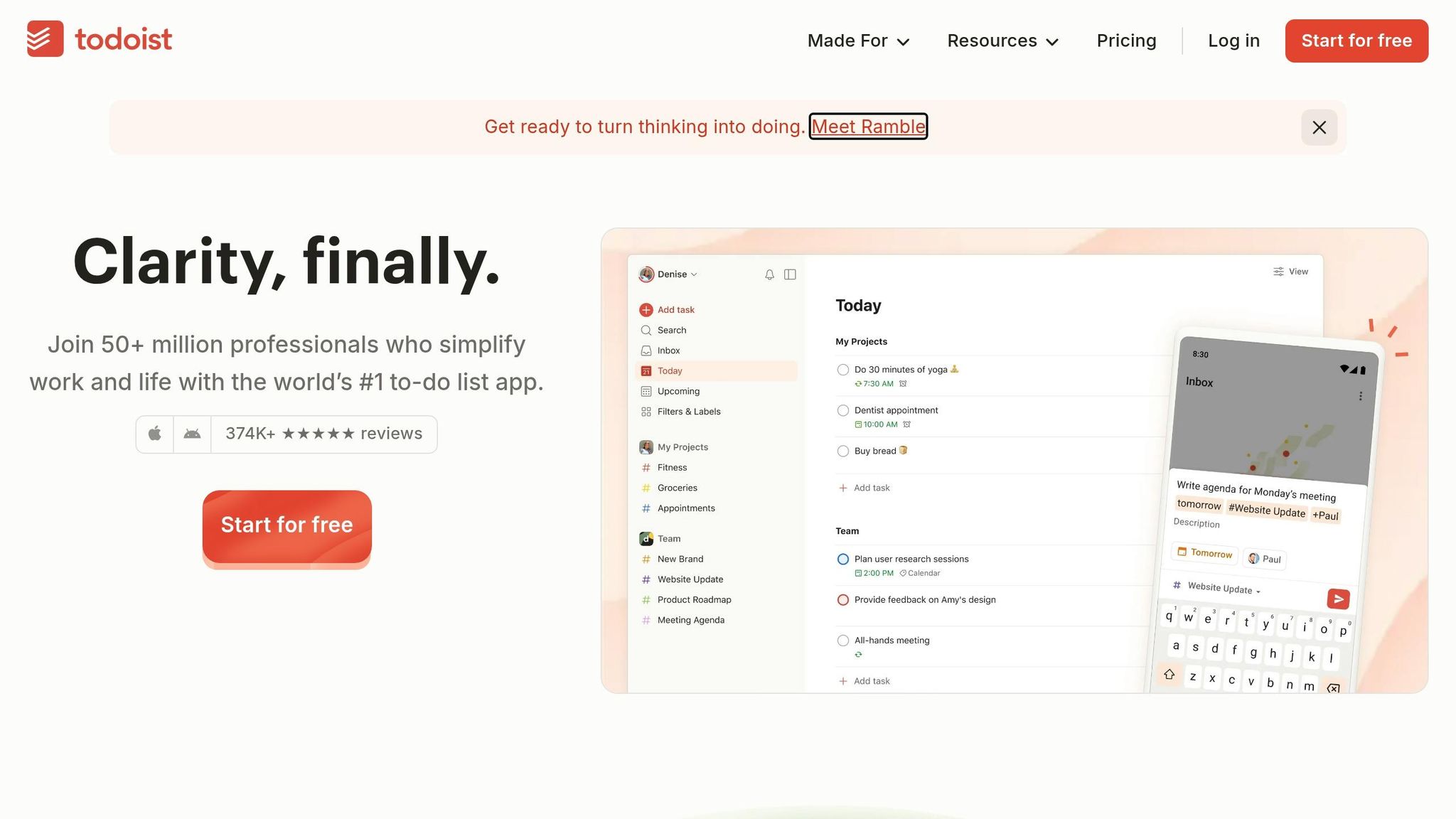
For those who need a bit more flexibility, Todoist is a solid choice. It’s packed with features designed to keep you motivated and organized. One highlight is its "Karma" system, which rewards you with points for completing tasks. This gamified approach can provide a dopamine boost, helping ADHD users stay engaged and focused.
With over 50 million users worldwide completing more than 2 billion tasks, Todoist has become a trusted tool for managing everything from small to-do lists to large, multi-step projects. Its visual organization options - such as color-coded projects, labels, and Kanban boards - make it easy to customize your workflow. Another helpful feature is automatic task rollover, which moves unfinished tasks to the next day, so nothing gets lost in the shuffle.
While the free version is great for basic task management, the Pro version ($4.99 per month or $47.99 annually) adds extras like advanced filters and automated reminders.
| Feature | Apple Reminders | Todoist |
|---|---|---|
| Cost | Free | Free / $4.99 per month |
| Platform | Apple devices only | Cross-platform (iOS, Android, Web, Desktop) |
| Voice Capture | Siri integration | "Ramble to Record" / Siri |
| Motivation | Location alerts, simplicity | Gamified Karma system, streaks |
| Organization | Smart Lists, tags | Boards, labels, filters |
Both Apple Reminders and Todoist make it easy to capture tasks and ideas without hassle. If you’re an iOS user, Apple Reminders offers built-in convenience and straightforward features. On the other hand, Todoist’s advanced tools and cross-platform compatibility make it ideal for managing more complex workflows. Together, they complement voice-capture tools by offering quick, organized ways to log and manage your tasks.
Full-Featured Note-Taking and Organization Platforms
Sometimes quick-capture tools just don’t cut it. That’s where full-featured platforms like Evernote and Notion come in. These tools act as a "second brain" for ADHD professionals, helping you centralize everything - meeting notes, project plans, and more - into one searchable hub. Unlike simple task managers or quick-capture apps, these platforms shine when you need to organize complex information and support both linear and non-linear thinking.
Evernote: A Balance Between Simplicity and Functionality
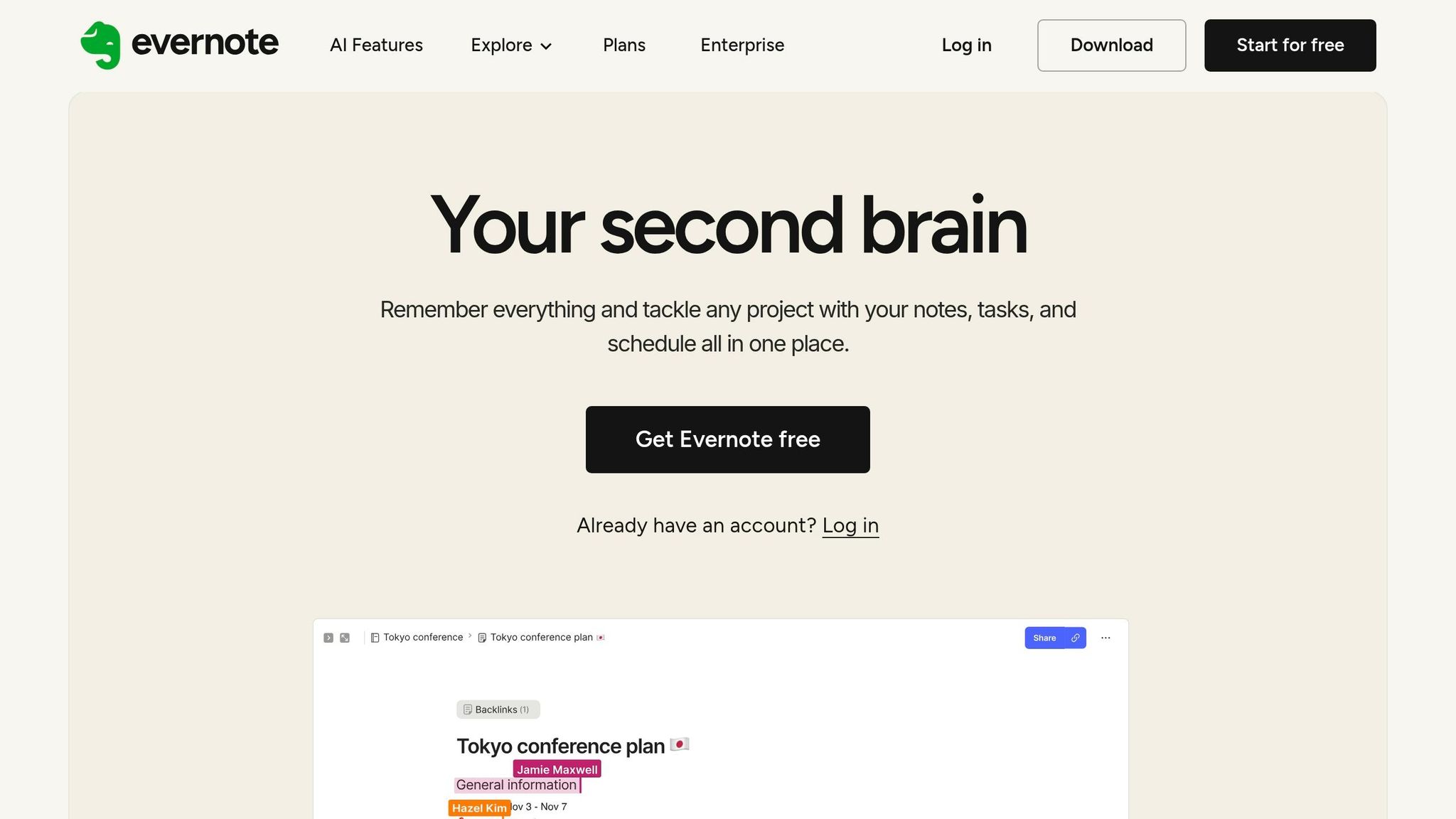
Evernote combines fast capture with a powerful search system, making it ideal for organizing your thoughts. Using its notebook-and-tag setup, you can store a mix of text, images, audio, and even PDFs in one place. The standout feature? Optical Character Recognition (OCR), which lets you search for keywords in photos, scanned documents, or even handwritten notes. ADHD Family Coach Leslie Josel describes it perfectly:
"It truly takes 'remembering' out of the equation".
Evernote also offers tools like the Web Clipper for saving online research and AI transcription for turning audio into text. With one-tap actions, you can quickly scan documents or record audio, ensuring nothing slips through the cracks. Plus, the Home Dashboard lets you customize widgets like pinned notes or scratch pads for easy access.
While the free version limits you to 50 notes and one notebook, the Personal plan ($10.83/month, billed annually) removes these restrictions and unlocks more features.
If Evernote’s strength lies in its simplicity and search, Notion stands out for its adaptability and customization.
Notion: Build Your Workspace, Your Way
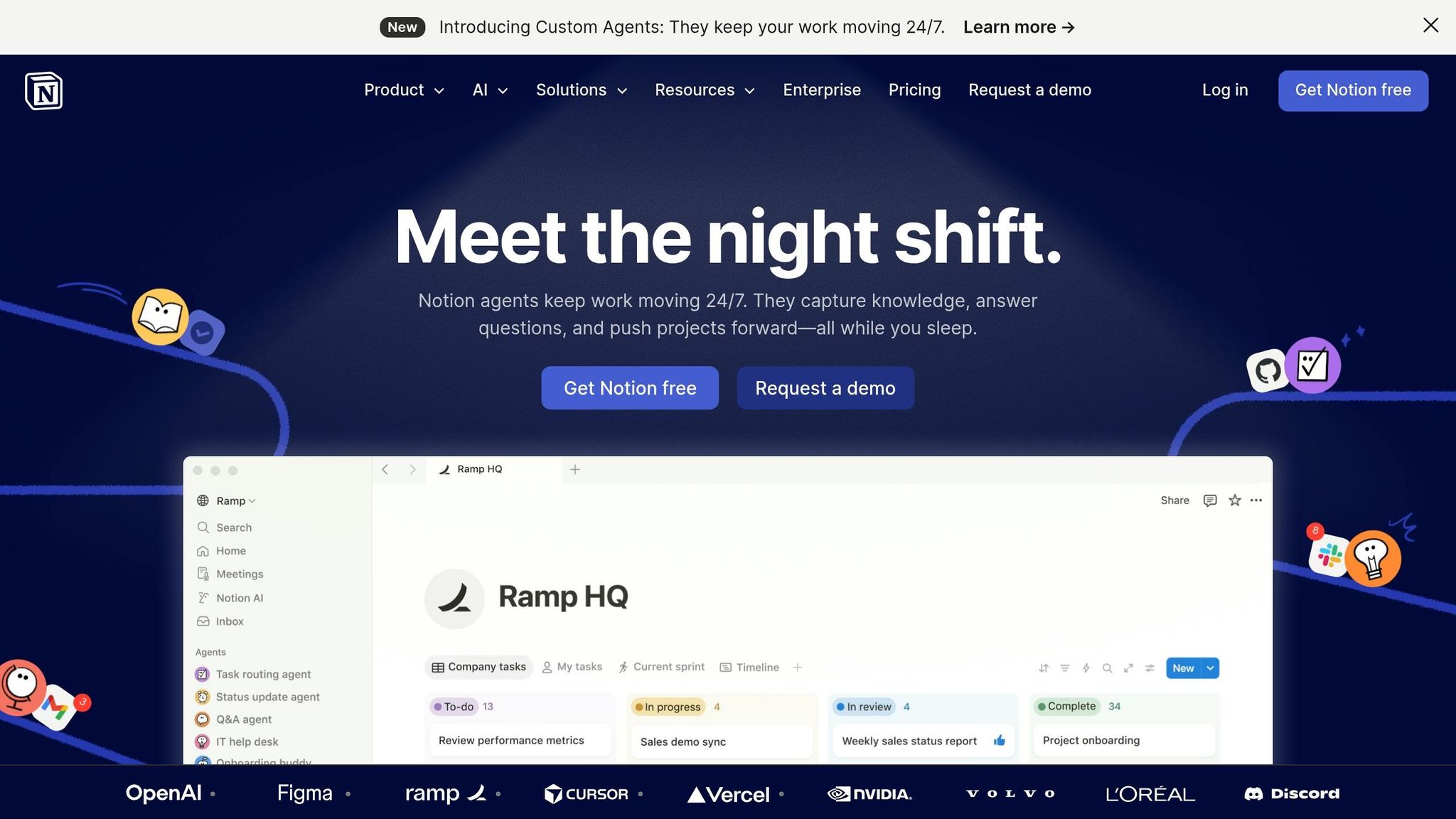
Unlike Evernote, Notion is all about flexibility. Its modular block system lets you create custom workspaces where you can mix text, checklists, images, and databases. This adaptability is perfect for ADHD professionals who thrive in non-linear environments. As one reviewer put it:
"Notion handles simple notes just as easily as Evernote, but its true strength shows when your needs grow".
Notion’s visual tools - like Kanban boards, timelines, and galleries - help you see the big picture at a glance. Its relational databases allow you to link tasks, notes, and projects, mimicking the way ADHD minds naturally connect ideas. By combining tasks, wikis, and project management into one platform, Notion reduces the need to juggle multiple apps.
If starting from scratch feels overwhelming, Notion’s pre-built templates for meeting notes, project plans, or weekly schedules can help you get started. Notion AI also simplifies dense information by summarizing content, extracting action items, or even generating text, saving you time and mental energy. The free plan offers unlimited pages and blocks for individual users, while the Plus plan ($10/month) adds unlimited file uploads and advanced automation.
| Feature | Evernote | Notion |
|---|---|---|
| Primary Strength | Quick capture and powerful search | Customizable, all-in-one workspace |
| Learning Curve | Low; intuitive "filing cabinet" style | Moderate to high; requires setup |
| Organization | Notebooks, stacks, and tags | Pages, nested sub-pages, and databases |
| Task Management | Simple checklists with reminders | Complex databases with Kanban/Timeline views |
| Search | Superior; includes OCR for handwriting | Effective within structured databases |
| Free Plan | 50 notes, 1 notebook, 1 device | Unlimited pages and blocks for individuals |
So, which one should you pick? If you’re looking for a tool that’s easy to set up and excels at quick, multi-modal capture, Evernote is your go-to. But if you want a workspace you can shape to fit your non-linear thinking style, Notion is the better choice. Either way, these platforms help you build an external memory system, making it easier to focus on what matters most without worrying about misplaced ideas.
Specialized Tools for Focus and Time Management
Using a note-taking app effectively can be tough if staying focused or managing your time feels like an uphill battle. That’s where tools like Tiimo and Brain.fm come in. These apps tackle common ADHD challenges like time management and sustained attention, making them excellent companions to your note-taking system.
Tiimo: Visual Scheduling Made Simple
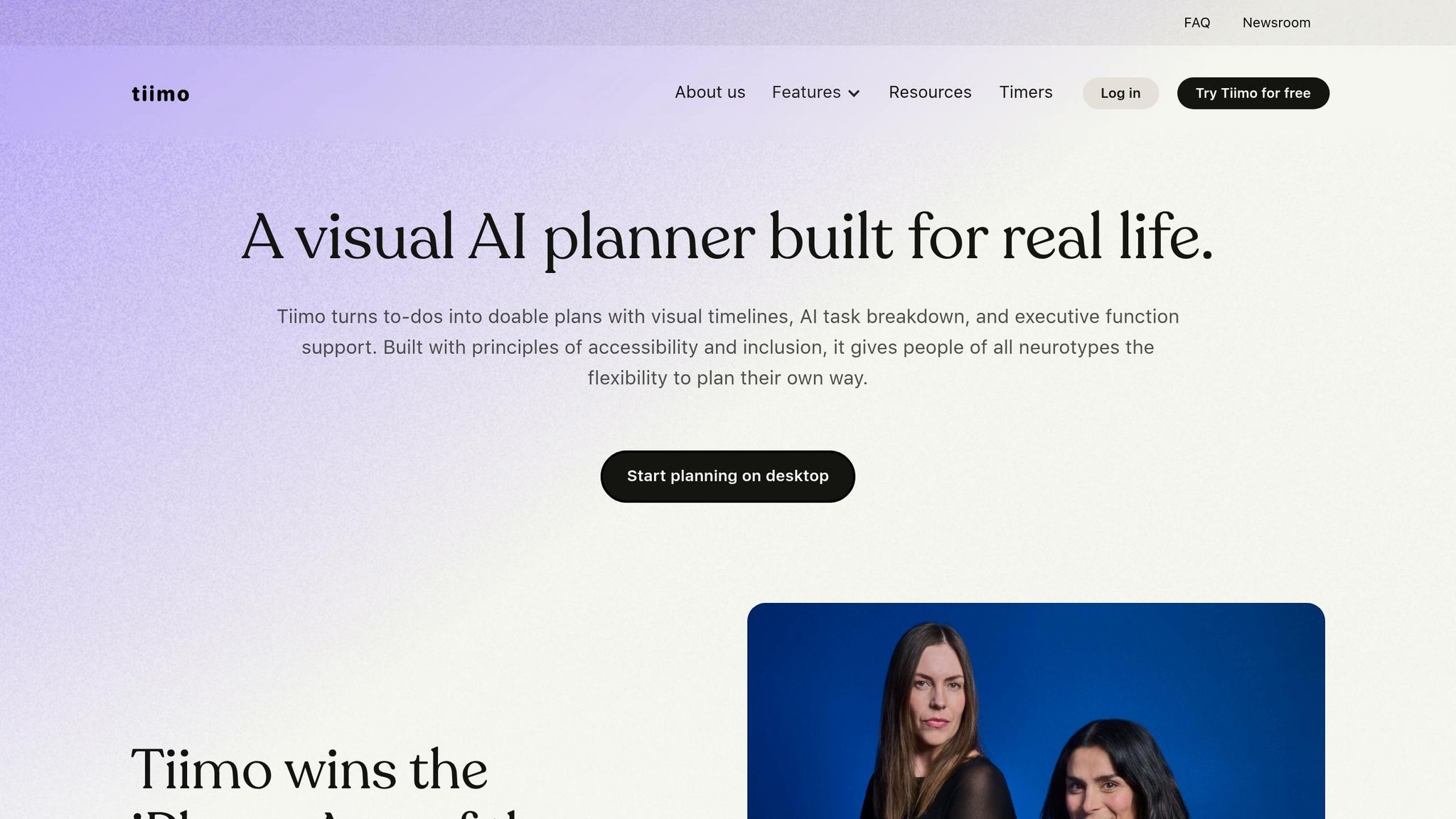
Tiimo turns your daily schedule into a clear, color-coded timeline. This visual approach helps counter "time agnosia", a common ADHD experience where time feels distorted. Tasks are laid out in a way that's easy to follow, showing exactly how long each activity will take. Co-founder Melissa Würtz Azari captures the app’s mission perfectly:
"My ADHD and dyslexia showed me how much the world isn't built for brains like mine. We created Tiimo to change that, so planning feels easier and actually works for you".
One standout feature is the AI Co-planner, which breaks overwhelming tasks (like "organize meeting notes") into smaller, manageable steps with time estimates. This reduces the mental load and helps you get started without feeling stuck. Another helpful tool is the To-do tab, which acts like a digital notepad for quickly jotting down ideas before they slip away.
Tiimo has earned its place as a trusted tool, with over 3 million downloads and a 4.6/5 rating from 15,000 users. In fact, it was named iPhone App of the Year 2025. The free version covers basic planning needs, while Tiimo Pro (available with a 7-day free trial) unlocks advanced features like AI tools and custom widgets.
Once your schedule is organized, the next challenge is staying focused long enough to stick to it. That’s where Brain.fm comes in.
Brain.fm: Audio Designed for Deep Focus
Planning your time is one thing, but staying focused during your note-taking sessions is another. Brain.fm uses specially engineered audio to help you stay in the zone. Its neural phase locking technology creates rhythmic patterns that guide your brainwaves into the beta frequency range (12–30 Hz), which is linked to active concentration. This is especially helpful for ADHD brains, which often have lower beta wave activity in the prefrontal cortex.
For extra support, Brain.fm includes an ADHD mode with higher neural effect levels. This provides the right amount of low-level stimulation without distracting lyrics or catchy melodies. Research backs up its effectiveness: a 2023 study in Scientific Reports found that structured auditory stimulation can improve sustained attention in people with ADHD by regulating brainwave activity.
Brain.fm offers a free trial, so you can test whether its audio works for your workflow.
| Tool | Primary Benefit | Key Feature | Best For |
|---|---|---|---|
| Tiimo | Tackles time blindness & task initiation | Visual timeline & AI Co-planner | Planning your note-taking |
| Brain.fm | Boosts focus & minimizes distraction | Neural phase-locking audio | Staying focused during work |
On/Off Genius: Insights and Tools for ADHD Professionals
While tools for capturing and organizing notes are essential, understanding why your brain operates differently is equally important. On/Off Genius dives into the unique challenges faced by gifted professionals with ADHD - like inconsistent focus, mental overload, and time blindness. These factors can significantly impact how effectively you take notes. By combining cognitive insights with practical tools, On/Off Genius helps you design a workflow tailored to the way an ADHD brain functions.
The blog points out a common struggle for ADHD professionals: even the most advanced note-taking app won’t help if personal errands disrupt your focus or mental clutter takes over. With ADHD individuals having 30–40% less working memory capacity than average, filtering distractions becomes even harder. Every interruption or task switch can feel more draining, making it tougher to stay organized. On/Off Genius offers strategies to tackle these hurdles head-on.
Expanding on the idea of adaptive note-taking systems, the blog emphasizes the importance of protecting your focus and reducing mental load. For instance, offloading personal errands can establish clear boundaries, helping to combat time blindness and reduce the cognitive strain caused by constant task switching. This leaves more mental energy for critical executive function tasks, which are key to maintaining an effective note-taking system.
These strategies work hand-in-hand with the tools discussed earlier. For example, you could combine Tiimo’s visual scheduling features with techniques for setting firm time boundaries or use Brain.fm to stay focused during deep work sessions. Instead of simply adding more apps to your routine, On/Off Genius helps you pinpoint the specific challenges - like task initiation, sensory overload, or executive function difficulties - that may be holding you back. By pairing app features like visual schedules and focus-enhancing audio with targeted cognitive strategies, you can build a sustainable workflow that directly addresses your unique obstacles.
Conclusion: Choosing the Right Tool for Your ADHD Workflow
When it comes to ADHD-friendly apps, the key is finding a tool that fits your unique way of thinking. It's not about having the app with the most features; it's about choosing one that works with how your brain processes information. For many with ADHD, capturing ideas quickly is critical. If jotting down a thought takes too long, it's likely to vanish. That’s why tools with voice capture or quick-entry options can be game-changers - they help you grab those fleeting ideas before they slip away. On the other hand, while more robust platforms offer a lot of features, they can sometimes become distractions, pulling you into building a system instead of actually using it.
Start by identifying your biggest challenge. Is time blindness your main hurdle? A visual timeline tool like Tiimo might be a good fit. Struggling with task paralysis? An AI tool that breaks tasks into smaller steps could help. Whichever you choose, stick with it for at least 30 days to avoid the ADHD tendency to jump from app to app, chasing novelty. Research indicates that simpler tools are often the ones people stick with in the long run.
"The tool that works is the one you come back to after abandoning it. Give yourself grace." - Nia, ADHD Professional
It's normal to occasionally drift away from your chosen system - ADHD can make consistency tough. What matters is having a tool you can return to without guilt. Your note-taking system should align with both the spontaneity and structure of your thought process. Think of it as an "external brain" designed to lighten your mental load, not add to it.
FAQs
Which tool should I start with if I get overwhelmed by too many features?
When deciding on a tool, go for one with a straightforward, easy-to-use interface to keep things stress-free. Apps like Bear or a simple timer app like Focus Keeper are excellent choices. They strip away unnecessary distractions, allowing you to zero in on your priorities.
How can I turn voice notes into tasks without redoing the work later?
AI-driven tools make turning voice notes into tasks a breeze. Some apps can automatically pull tasks from your recordings and organize them, cutting down on manual effort. Others transcribe your voice notes, making it simple to review and create tasks later. To make things even easier, consider tools that highlight sections or action items automatically. This way, your ideas stay organized and ready to act on without any hassle.
What’s the simplest setup to stay consistent for 30 days?
To maintain consistency for 30 days, try adopting a straightforward, ADHD-friendly note-taking system. Begin with a simple template that aligns with how you naturally process information. Pick a dedicated app that offers features like one-tap capture and distraction-free modes to make things easier. Keep your setup as minimal as possible and focus on building a daily habit: jot down ideas as they come, take a quick moment to review your notes each day, and stay committed. The combination of simplicity and routine can make all the difference.